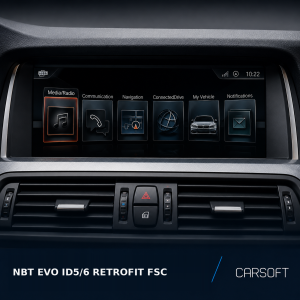
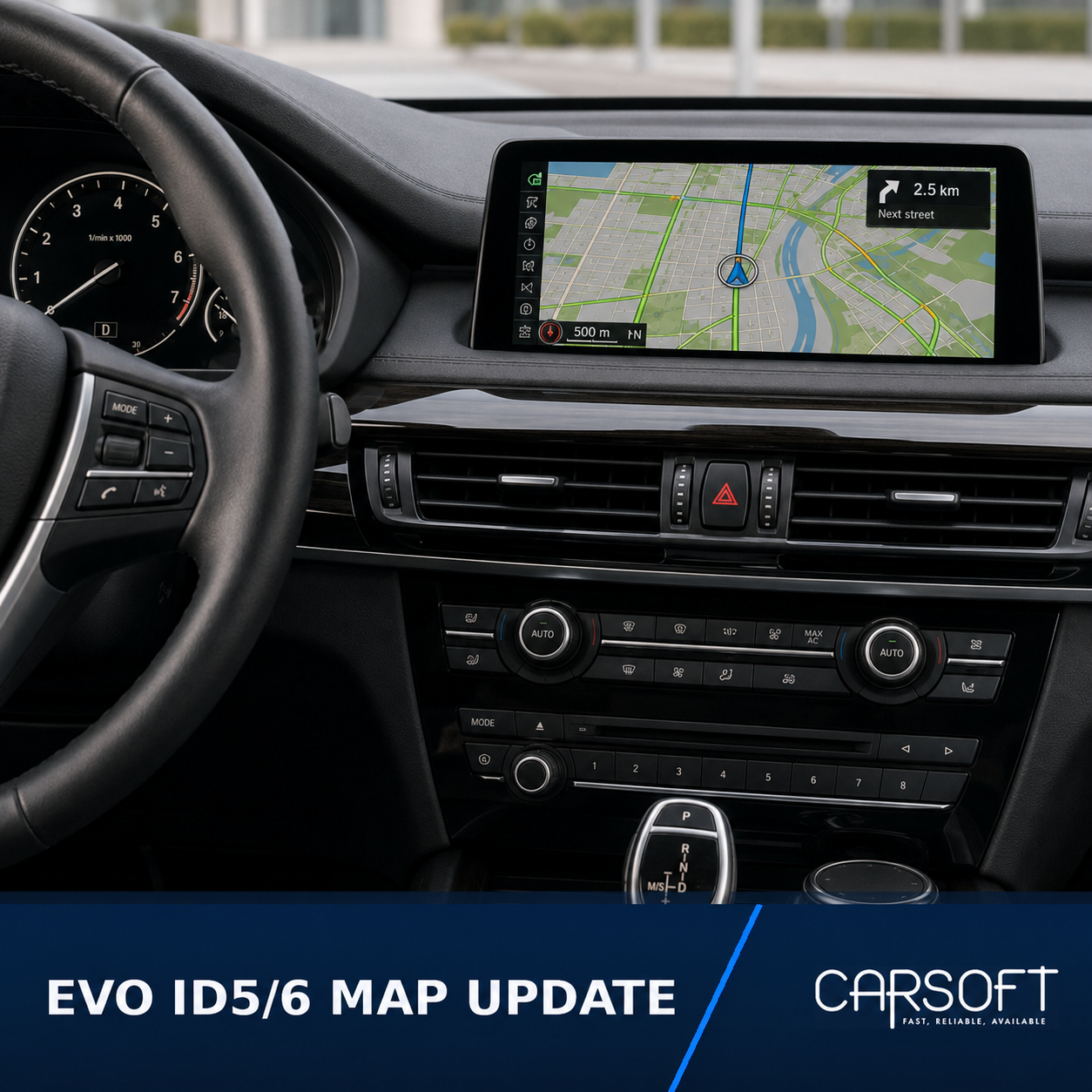
BMW EVO ID5/6 Lifetime FSC for Navigation Map Updates
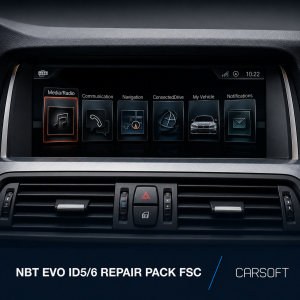
Vehicle-specific Lifetime FSC file for updating compatible
BMW navigation systems equipped with an NBT EVO ID5 or ID6
head unit.
The supplied FSC file allows future navigation map updates for the same
vehicle and supported map region. This product does not include navigation
map data.
Before ordering
Check the navigation map version currently installed in the vehicle:
- Open the Navigation menu.
- Press the OPTION button on the iDrive controller.
- Select Navigation system version or Version information.
- Confirm that the displayed map name contains EVO.
- Confirm that the installed system uses the ID5 or ID6 interface.
Example:
Road Map Europe EVO 2025-2
Do not order this product for NBT EVO ID4, NBT with NEXT maps,
EntryNav2 with WAY maps or MGU with LIVE maps.
Information required
- Last 7 characters of the VIN
- Required navigation map region
- Confirmation that the installed head unit is NBT EVO ID5 or ID6
What you will receive
You will receive a vehicle-specific Lifetime FSC file with a filename similar to:
FSC_VIN0000_XXXXX.fsc
The file is prepared for the submitted VIN and cannot be used in another vehicle.
Installation instructions
- Extract the navigation map data on your computer.
-
Open the extracted map package and locate the
USB-Stick folder. -
Copy the contents of the USB-Stick folder directly to
the root of the USB flash drive. Do not place the files inside an
additional folder. -
Create a new folder named FSC in the root of the USB
flash drive. The folder name must be written in capital letters. -
Copy the received
FSC_VIN0000_XXXXX.fscfile into the
FSC folder. - Connect the prepared USB flash drive to the vehicle’s USB port.
-
If the USB drive has been prepared correctly, the navigation system
will detect the map data and offer to start the update. -
Confirm the update and leave the USB flash drive connected until the
installation has been completed.
USB drive structure
USB flash drive root
├── map update files and folders
└── FSC
    └── FSC_VIN0000_XXXXX.fsc
Important compatibility notice
This product is intended only for compatible vehicles equipped with an
NBT EVO ID5 or NBT EVO ID6 head unit and using
Road Map EVO.
The vehicle model and chassis alone are not sufficient to confirm
compatibility. The installed head unit, iDrive generation, current map type,
vehicle market and retrofit history must also be considered.
The destination map region must match the region supported by the supplied
Lifetime FSC file.