
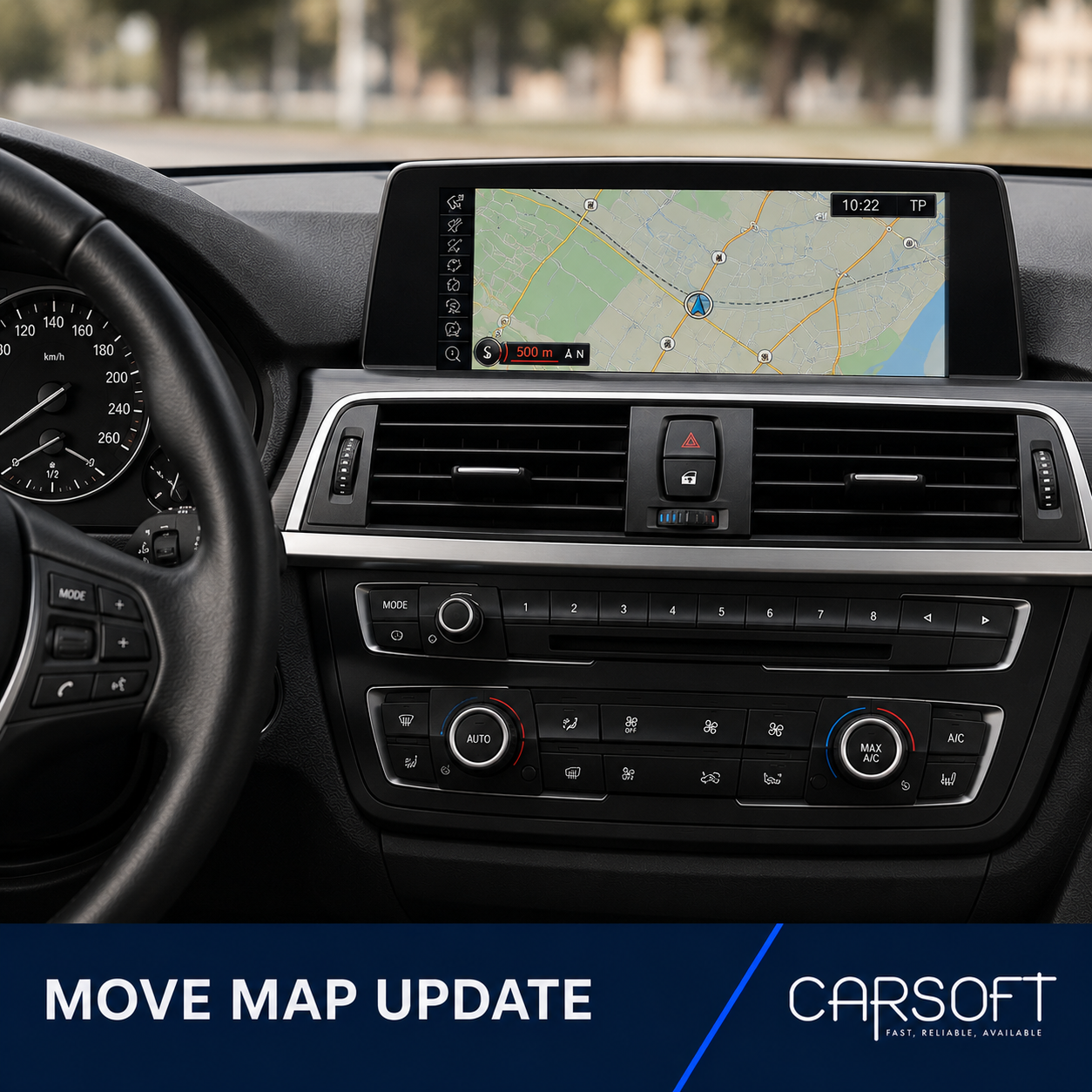
BMW MOVE Map FSC Activation Code
Vehicle-specific FSC activation code for updating compatible BMW navigation
systems using Road Map MOVE.
This product includes the FSC activation code only. Navigation map data is
not included and must be obtained separately.
Before ordering
Check the navigation map version currently installed in the vehicle:
- Open the Navigation menu.
- Press the OPTION button on the iDrive controller.
- Select Navigation system version or Version information.
- Confirm that the displayed map name contains MOVE.
Example:
Road Map Europe MOVE 2025
Do not order this product if the displayed map type is PREMIUM, NEXT,
MOTION, ROUTE, EVO, WAY or LIVE.
Information required
- Last 7 characters of the VIN
- Required navigation map region
- FSC type: One Time or Lifetime
FSC options
- One Time: valid for one selected MOVE navigation map release.
-
Lifetime: intended for future MOVE map updates for the
same vehicle and supported region.
How to enter the FSC activation code
- Prepare the correct MOVE navigation map update data.
- Start the navigation map update in the vehicle.
- Wait until the navigation system requests an activation code.
- Enter the supplied FSC code using the iDrive controller.
- Confirm the code and continue the navigation map installation.
The FSC activation code contains 20 characters and uses only capital letters
A–Z and digits 2–7.
The digits 0 and 1 are not used to avoid
confusion with the letters O and I.
Use the 1@+ character selector in iDrive to switch between
letters and numbers while entering the activation code.
Important compatibility notice
The chassis list in the Specifications section is provided as a general
reference only. Compatibility must be confirmed by checking that the
navigation version displayed in the vehicle contains the word
MOVE.
The FSC code is generated for the submitted VIN and cannot be used in
another vehicle.